How it works
One pipeline: listen, filter, push
Set up your filters once. From then on, autobrr sits in the announce channels and reacts the moment a release you want shows up, whether you're at the keyboard or asleep.
Listen
autobrr connects to your indexers' IRC networks and sits in their announce channels. For indexers without IRC, it polls RSS, Torznab and Newznab feeds instead.
Filter
Each announce runs through your filters: resolution, source, codec, size, release group, freeleech. When the presets run out, write your own regex.
Push
Matches go straight to your download client or one of the *arrs. Webhooks and external scripts can weigh in before anything gets pushed.
Features
Everything between the indexer and your client
Your indexers on one side, your download client on the other. autobrr is everything in between.
Real-time IRC announces
Grab releases the moment they're announced, minutes before they show up in any RSS feed.
Feeds when there's no IRC
Some indexers don't announce over IRC. Point autobrr at their RSS, Torznab or Newznab feed and filter those releases the same way.
Filters, down to the regex
Match on resolution, source, codec, size, seasons, episodes and release groups. If a preset doesn't cut it, drop into regex.
Works with your setup
Push to qBittorrent, Deluge, Transmission, rTorrent, Porla, aria2, SABnzbd or NZBGet, or route releases through Sonarr and Radarr.
Notifications and hooks
Get a ping on Discord, Telegram, Pushover, Gotify, Shoutrrr or ntfy for every push, and trigger webhooks or scripts on match.
One binary, anywhere
A single Go binary with a built-in web UI. Runs on Linux, macOS, Windows, FreeBSD, Docker and your seedbox.
The web UI
Why did it grab that? The UI will tell you
Filters, releases, networks and clients are all managed from the web UI, and the logs are right there when a release doesn't match.
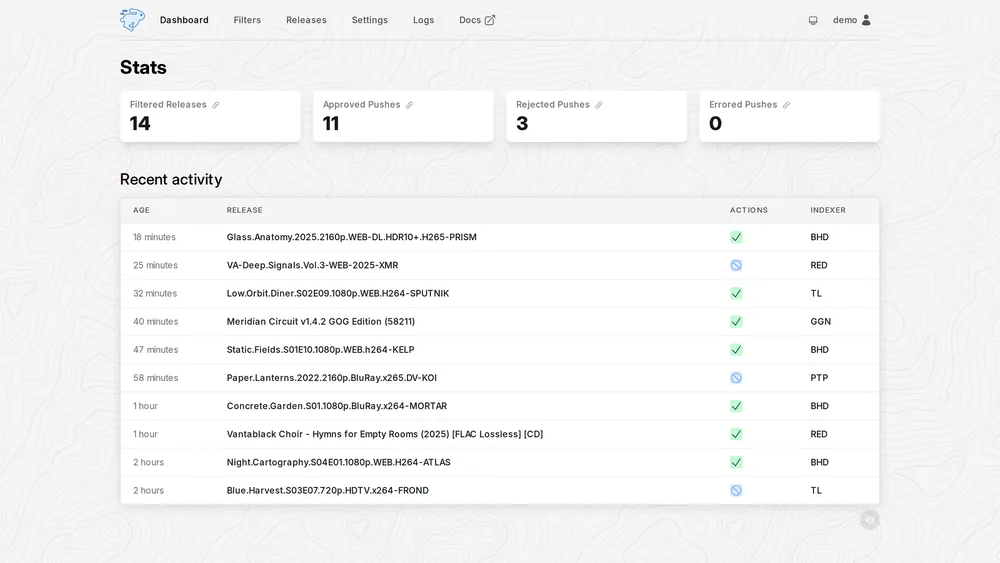
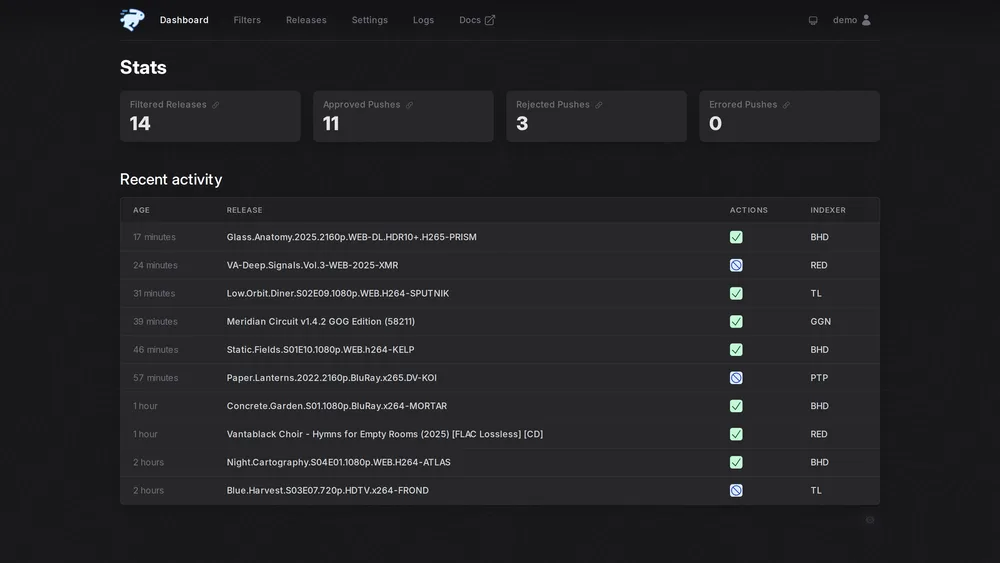
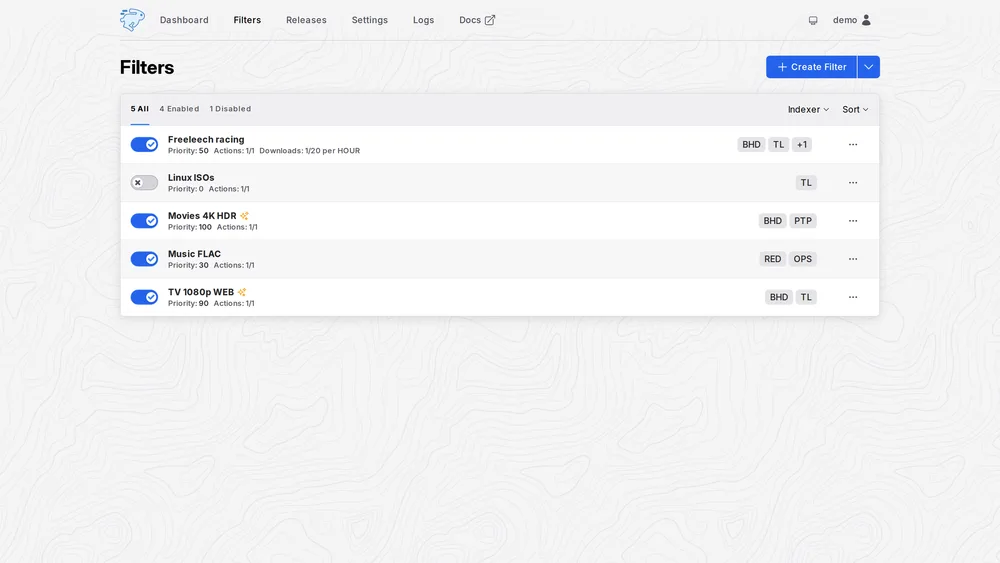
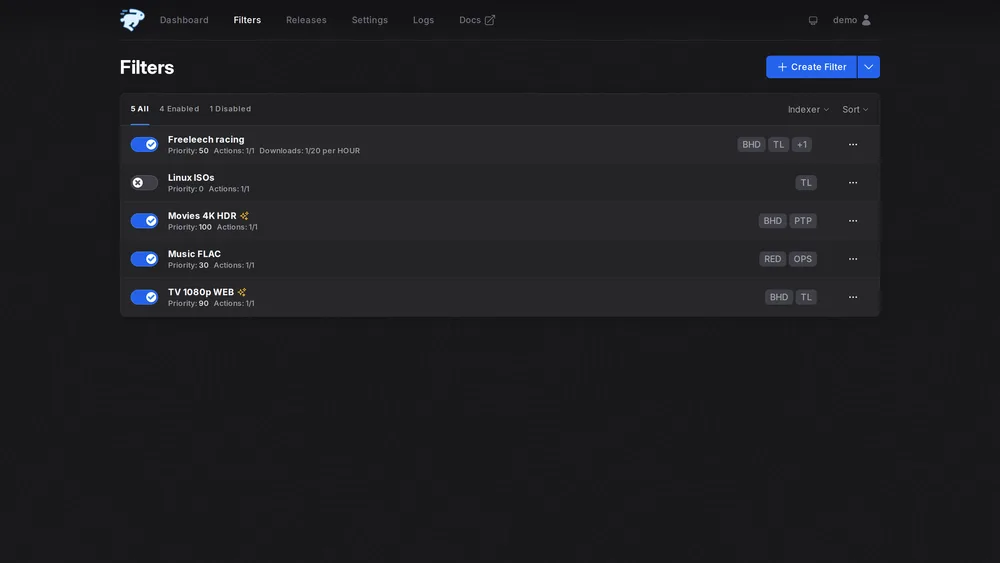
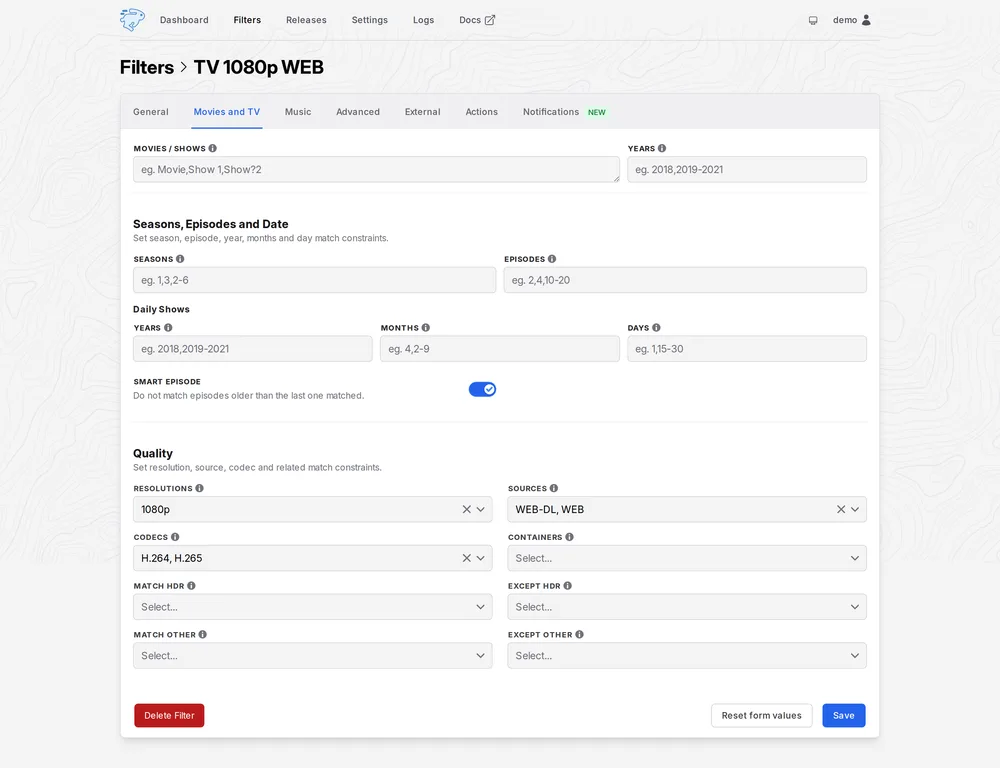
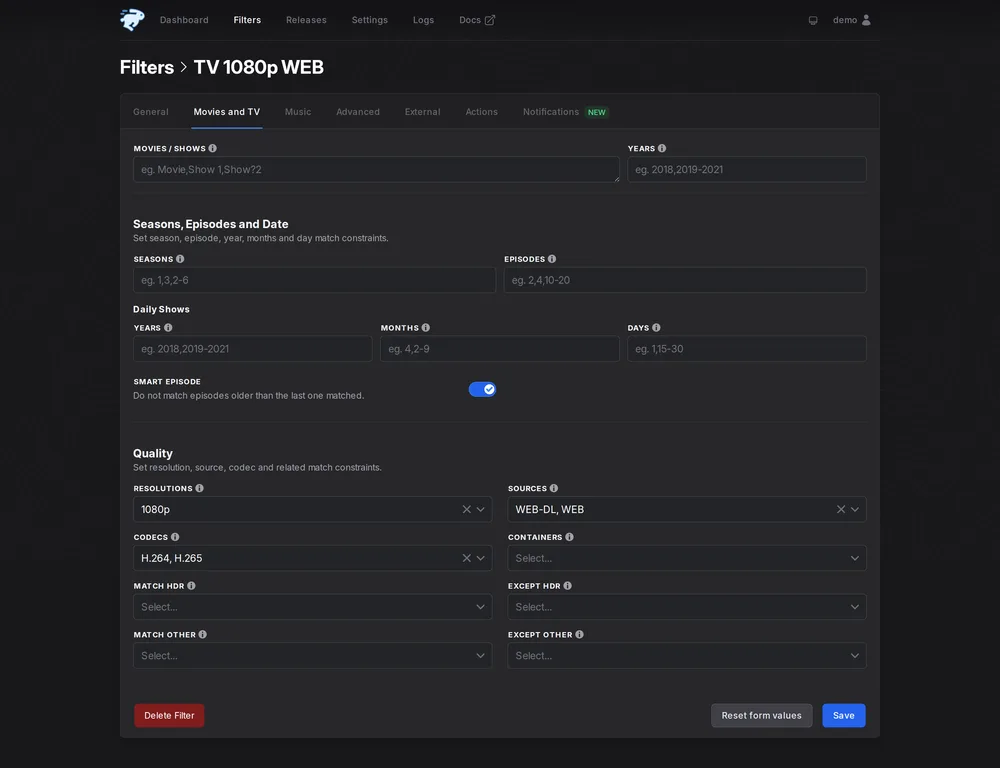
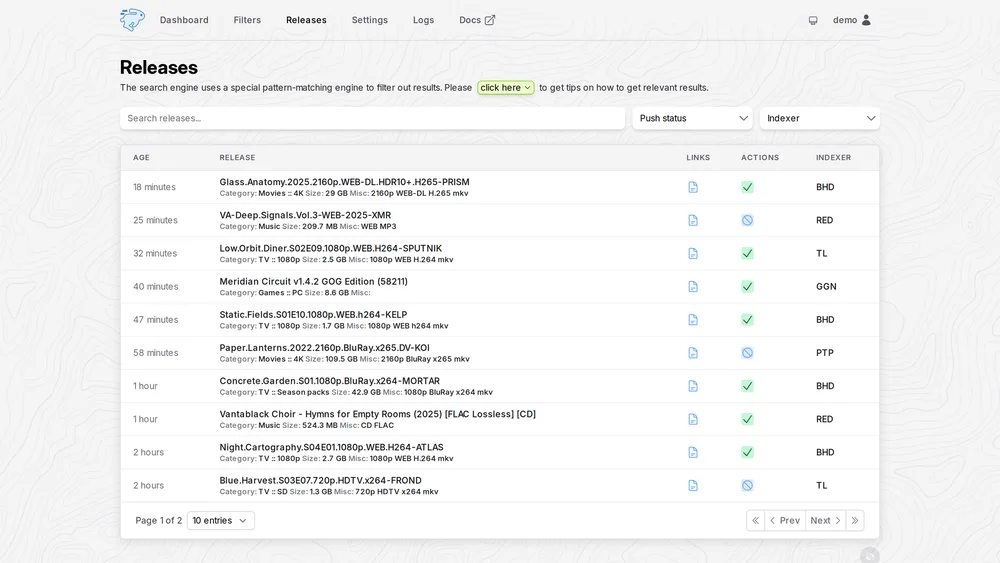
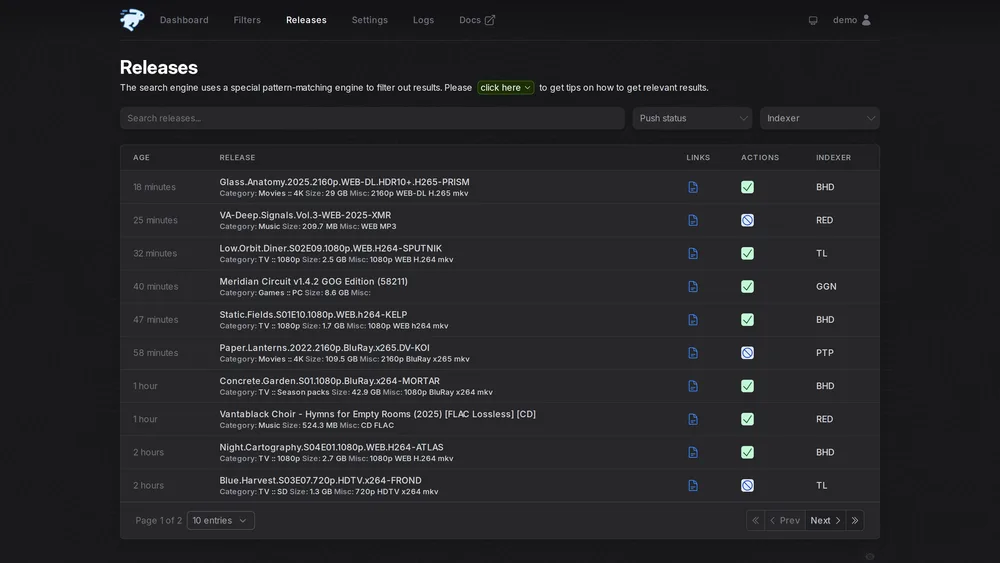
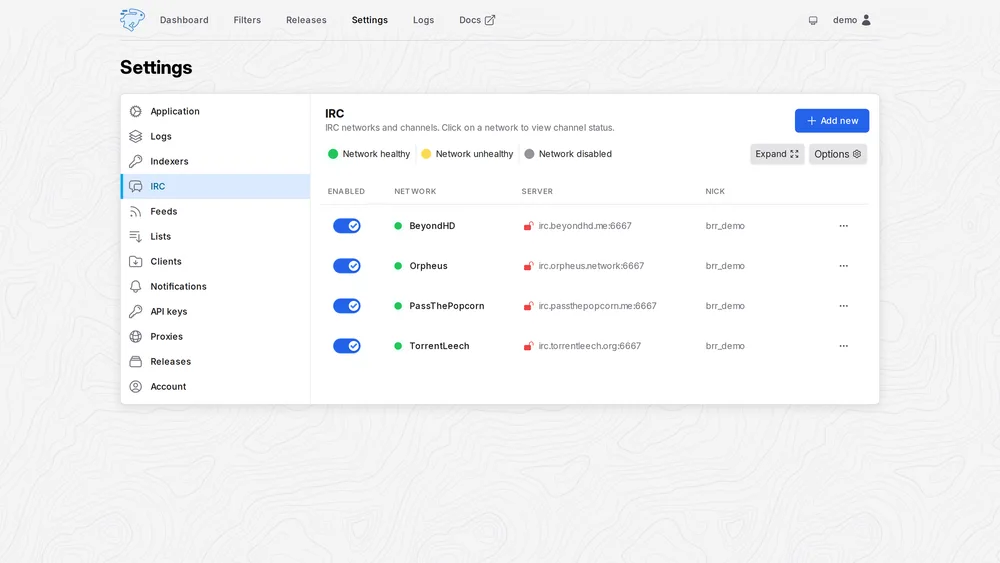
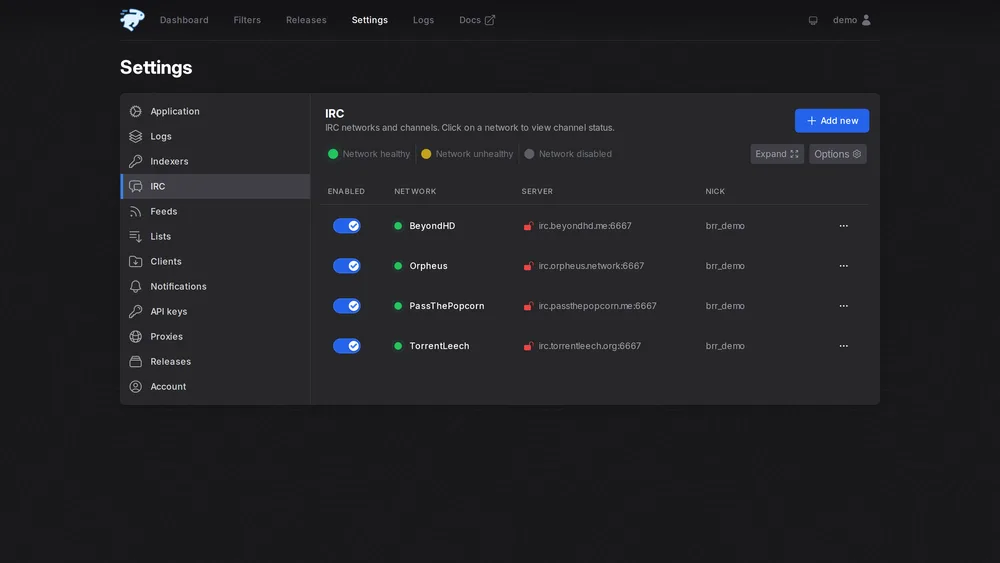
Push stats and recent activity: every release that came through, and what happened to it.
Integrations
Works with what you run
autobrr supports all the major download clients and the *arr suite. Point it at the client you already run, on the same box or across the network.
Download clients
The *arr suite
Feeds
Notifications
Install
Running in minutes
Pull the Docker image or drop a single binary on Linux, macOS, Windows or FreeBSD. On most seedbox providers it's a one-click install.
# grab the image
$ docker pull ghcr.io/autobrr/autobrr:latest
# or grab the latest linux binary
$ wget $(curl -s https://api.github.com/repos/autobrr/autobrr/releases/latest \
    | grep download | grep linux_x86_64 | cut -d\" -f4)